Today, I am going to show you how easy it is to do this.
Step 1: Open Photoshop or Photoshop Elements (or like program)
I am going to use Photoshop Elements.
Step 2: Open the Image You Want to Change
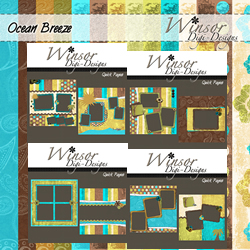
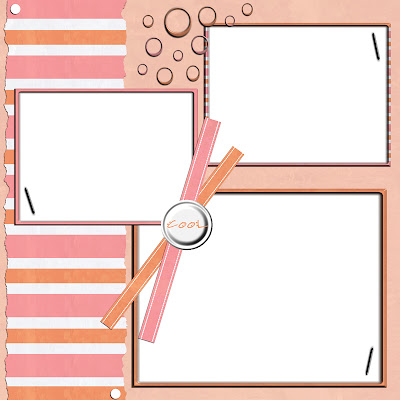
I am going to open my Sea Breeze Quick Page.

Step 3: Click Image, Rotate, Rotate 90 Right

Step 4: Save Your Changes (File, Save As)

Now, I am going to use an element from my Sea Breeze kit (cool brad) to complete this quick page.
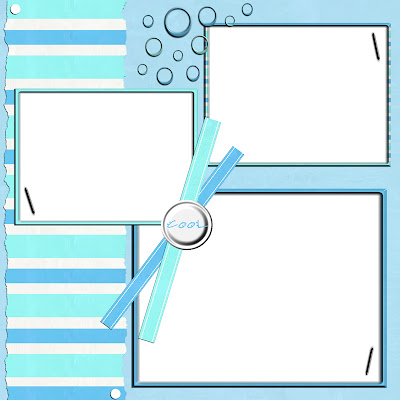
There you go - a new look in just a few steps. To make a girly version, I am going to follow the steps in my Changing Colors Tutorial, but instead of changing it to +60, I am going to change it to +180.
*Download Links Expired*